
Specialty Practices
PT Solutions + LeadingReach: An Unstoppable Force for Better Referral Management Patients
PT Solutions is using LeadingReach to create outstanding patient care experiences through better care coordination. In addition to reducing staff time spent leaving voicemails and chasing down faxes, PT Solutions has elected to use LeadingReach for integrated, streamlined referral management workflows.

How to Send & Receive Referrals in LeadingReach


Step 2
Search for, or quickly add, the patient that needs to be seen by PT Solutions

Step 3
Enter the reason for the referral with CPT code and attach the signed Rx
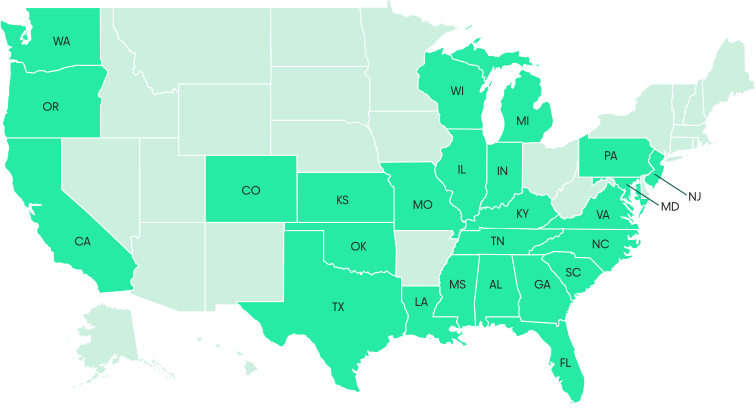
Find a Clinic Near You
With several locations across the major US metro areas, finding care from PT Solutions is one click away.
Benefits of Connecting with PT Solutions
Enhance communication and coordination across your referral network with benefits that include:
- Eliminating the need for unnecessary fax and phone calls
- Easy sending and receiving of HIPAA secure messages and file attachments
- Improved patient experiences and outcomes

How-To Videos

How to log in to your LeadingReach account

How to send a referral in LeadingReach

How to update and manage your Profile Page
Supporting Documentation
How to Create and Send Referrals
Click here to download a step-by-step guide on creating and sending referrals to PT Solutions

How to Connect with PT Solutions
Click here to download a how-to guide on connecting with us on the LeadingReach Network

How to Use Direct Messaging
Direct Messaging can be used to send referrals from your EHR directly to PT Solutions’ LeadingReach account
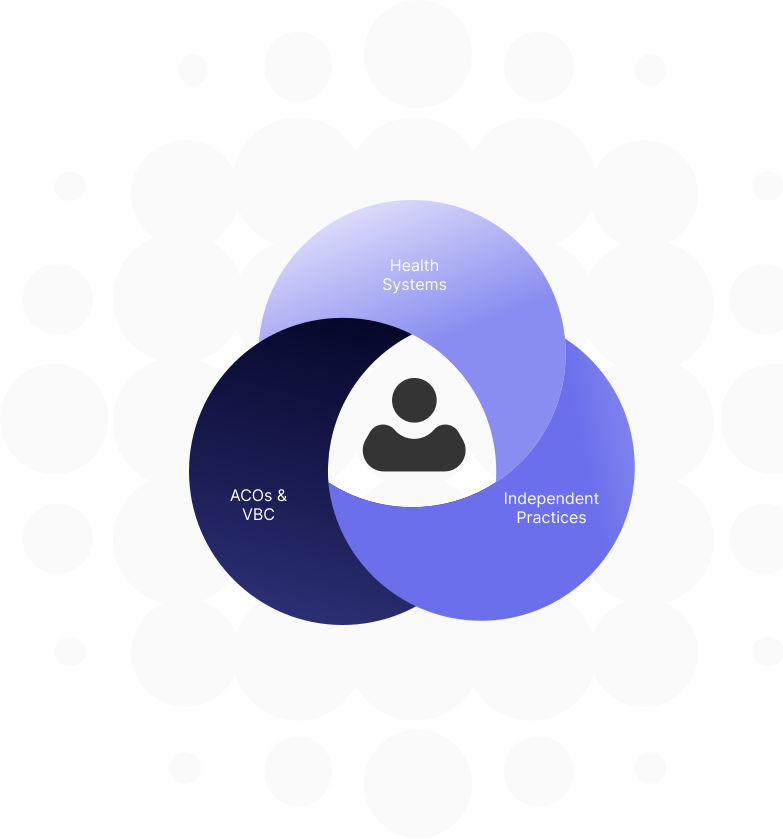
What is LeadingReach?
LeadingReach is a HIPAA-secure, web-based platform that combines the largest connected provider community in healthcare with clinical workflow management tools, secure team-based chat, and document exchange. This empowers care coordination teams to track patient journeys, communicate more effectively, and increase overall network utilization regardless of EHR.
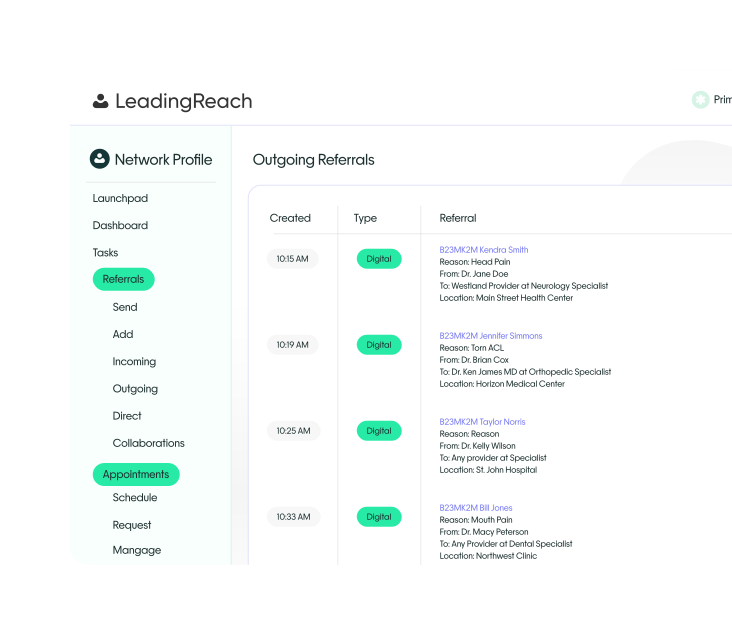
Organize Your Referrals in a Single View
Track, manage and filter all your sent referrals under one easy-to-use view. Keep track of which referrals have been accepted and scheduled for appointments with closed loop efficiency.
Some FAQs
LeadingReach offers flexible plans (including a free version) to accommodate the needs of any healthcare organization. For more information on pricing and access levels, please visit our pricing page here.